-
Need Help?

Need Help?
Contact your Sales Engineer

COEX vs VX: Armor vs MRV and Why LED Control Quality Matters

LED Control System Comparison
COEX vs VX: Armor vs MRV and Why LED Control Quality Matters
When people shop for LED screens, one of the biggest mistakes they make is assuming that pixel pitch tells the whole story. It does not.
When people shop for LED screens, one of the biggest mistakes they make is assuming that pixel pitch tells the whole story. It does not. In the real world, the final image depends on much more than the spacing between the LEDs. The control system, the receiving card, the calibration workflow, the internal panel components, and the quality philosophy behind the screen all play a major role in what viewers actually see. That is exactly why the comparison between older VX + MRV systems and newer COEX + Armor systems matters so much.
Today, many companies in the market are still selling screens built around older NovaStar workflows. In some cases, they are still relying on legacy VX-series processors and MRV receiving cards, even though NovaStar has expanded its lineup with VX Pro and with the broader COEX ecosystem, which includes controllers such as the MX, CX, and KU families working with VMP.
At SV Solutions, we believe customers deserve to understand what is really behind the image. This is not just a conversation about old vs new. It is a conversation about what kind of performance a manufacturer is truly aiming to deliver.
COEX
NovaStar’s newer control ecosystem.
VX + MRV
Older NovaStar workflow still seen in the market.
Armor cards
Why receiving-card strategy matters more than many buyers realize.
MX pairing
The system chain matters, not just compatibility.
VMP 1.5.0
Why the software environment affects real-world image quality.
Why this comparison matters right now
A lot of buyers are still being presented with LED screens in a very simplified way. They are shown the pixel pitch, perhaps the brightness, perhaps the refresh rate, and then they are pushed toward the lowest price. But the LED industry does not work that simply.
Two LED screens can look very different even if they appear similar on paper. The reason is that the display ecosystem behind the panel matters. NovaStar’s product materials clearly distinguish between the COEX control system series and the newer VX Pro family, and they also distinguish between Armor receiving cards and older receiving-card families.
That matters because what customers care about in the end is not just whether the screen turns on. They care about whether it looks premium, whether grayscale transitions are smooth, whether colors appear natural and stable, whether shadow detail holds up, and whether the image feels refined instead of harsh or flat.
What is COEX?
COEX is NovaStar’s newer control ecosystem. Official NovaStar materials describe products such as the CX40 Pro as part of the brand-new control system COEX series, and COEX products are built to work with VMP, the Vision Management Platform, for setup, management, and advanced screen functions.
In simple terms, COEX is not just a processor model. It is a newer platform direction. It is designed around a more modern workflow, deeper software integration, and advanced image-management features when used with the right hardware chain.
This is why talking about COEX only at the processor level misses the point. The real value shows up when the system is paired correctly.

What is the older VX + MRV world?
For years, many LED systems in the market were commonly built around older VX-series controllers and MRV receiving cards. These combinations were widely used, and many of them are still out in the field today.
That is part of why buyers still run into suppliers using these older combinations. In many cases, those suppliers are serving lower-budget or more cost-driven market segments, where the main sales strategy is often to present a basic spec sheet and compete on headline price.
At the same time, NovaStar has continued evolving its controller families. Official product materials show the active VX Pro lineup, including products like the VX1000 Pro and VX2000 Pro, which indicates that NovaStar did not simply freeze the VX naming family in the past.
So the conversation should not be oversimplified into VX exists, therefore nothing changed. A lot has changed.
VX Pro replaced the older VX line, but VX Pro is still not the same thing as COEX
This is a very important distinction, and one the market often confuses.
Yes, NovaStar now has the VX Pro family. Official NovaStar pages and manuals show the current VX Pro lineup as an active series.
But that does not make VX Pro the same thing as the COEX ecosystem.
COEX is a broader control-system platform tied directly to VMP and the newer control architecture. VX Pro is a newer evolution within the VX family, but it should not automatically be treated as equivalent to the full COEX MX-based experience. That distinction matters when buyers assume that any newer product label automatically produces the same visual-performance upside.
It does not work that way.
VX + MRV
VX Pro
COEX
Older VX + MRV vs COEX MX + Armor
This visual should help explain that the conversation is not just about whether a screen works. It is about what kind of control path, receiving-card strategy, and image-processing chain is actually behind the result.

Why receiving cards matter more than most buyers realize
Most end users never ask what receiving card is inside their screen. That is a mistake.
The receiving card is one of the pieces that can heavily influence how far a display can go in terms of calibration behavior, grayscale handling, and overall image refinement. NovaStar’s official materials for the A10s Pro show support for Dynamic Booster, Full-Grayscale Calibration, and Image Booster, and describe these as technologies that improve contrast, grayscale behavior, and color-gamut and grayscale calibration precision.
That is not marketing fluff buried in a reseller brochure. Those are features described in official NovaStar materials.
By contrast, MRV cards belong to an older and more general receiving-card environment that has been common across many legacy or lower-tier system builds. That does not mean every MRV-based screen is bad. It means buyers should understand that not all receiving-card ecosystems are built for the same level of image optimization.
And that difference becomes even more important when the system is paired properly.

NovaStar A8s-N Plus Receiving Card
Open product →Receiving card for advanced LED display control workflows.
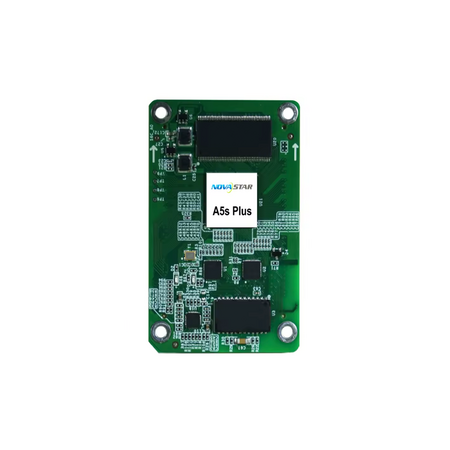
NovaStar A5s Plus Receiving Card
Open product →Receiving card option for NovaStar LED display systems.
The real leap is in the pairing: MX processors + Armor cards
This is where the conversation gets practical.
Based on NovaStar’s own documentation, some of the more advanced image functions are not simply card features floating in space. They depend on the right system chain. For example, NovaStar’s COEX-related materials show that certain functions on Armor cards require connection to a COEX controller in order to be enabled, and MX40 Pro documentation specifically notes that features such as Dynamic Booster and Full Grayscale Calibration require supported Armor-series receiving cards.
That is a key point.
A buyer might technically combine a controller and a compatible receiving card, but compatibility alone does not guarantee they are unlocking the full image-processing and calibration advantages of the newer ecosystem.
This is exactly why, from our perspective at SV Solutions, the biggest visual gains stand out when the system is built the right way, particularly with MX processors paired with Armor receiving cards.
That is where the colors, grayscale transitions, and fine image detail begin to separate themselves more clearly.
What changed in Coex VMP 1.5.0?
One of the reasons this conversation matters right now is that Coex VMP 1.5.0 brought meaningful updates.
NovaStar’s official VMP 1.5.0 release materials show improvements such as:
- optimization for 7-color multi-batch adjustment
- improved calibration coefficient management
- UI and logic updates
- monitoring and diagnostics enhancements
- better project and screen group management workflows.
Those updates matter because display performance is not only about the panel hardware. It is also about the tools used to configure, calibrate, monitor, and maintain the screen.
When the software environment becomes more capable and the algorithmic handling improves, the downstream effect can be significant.
Need Coex VMP?
Download the software, read the latest release notes, or find the user manual before configuring your LED display system.
Open Coex VMP resources →Director of Operations at NovaStar headquarters in Xi’an, China
Our Director of Operations recently visited NovaStar headquarters in Xi’an, China, where he shared feedback and discussed important updates directly with the Nova team regarding the recently released version of Coex VMP 1.5.0.
This section should include your embedded video and a short intro explaining that the purpose of the video is to provide a firsthand perspective on the latest software evolution, what changed, and why those changes matter in the field.
Recently, our Director of Operations visited NovaStar headquarters in Xi’an, China, where he shared direct field insight with the Nova team and discussed key updates in the newest Coex VMP 1.5.0 release. This video offers firsthand perspective on the latest platform improvements and why they matter for real-world LED performance.
Phone-recorded comparison of MRV vs Armor with Coex
Pixel pitch is not everything
This may be the most important educational point in the entire article.
A lot of companies try to reduce LED buying decisions to one number: pixel pitch. That is like walking into a store and assuming that every 4K TV is equal simply because the box says 4K.
That would be absurd.
You can see that clearly even with mainstream consumer products. For example, one 98-inch Samsung Neo QLED 4K TV and one 98-inch TCL QLED 4K TV can both look similar on paper at first glance, yet they sit in very different price positions. Both are technically 4K, but nobody serious assumes they are built the same internally. The image processing, panel quality, electronics, materials, and overall engineering are not identical.
LED displays work the same way. Two screens may share the same pixel pitch and still deliver completely different visual results depending on what is inside.
The control ecosystem matters. The receiving card matters. The power supply matters. The PCB quality matters. The driver IC strategy matters. The internal cables matter. The assembly quality matters. The calibration approach matters.
Pixel pitch is important. But pixel pitch is not everything.

Samsung 98" Neo QLED 4K
Open product →
TCL 98" QLED 4K
Open product →What lower-end control choices often signal
This is where customers need to think carefully.
In many cases, when a company chooses a lower-end control approach, that decision does not exist in isolation. It often reflects a broader cost-driven philosophy across the entire screen.
While every manufacturer is different, lower-end control choices often correlate with tradeoffs in other areas too, such as:
- PCB quality
- power supplies
- IC drivers
- internal cabling
- consistency of assembly
- overall quality control philosophy
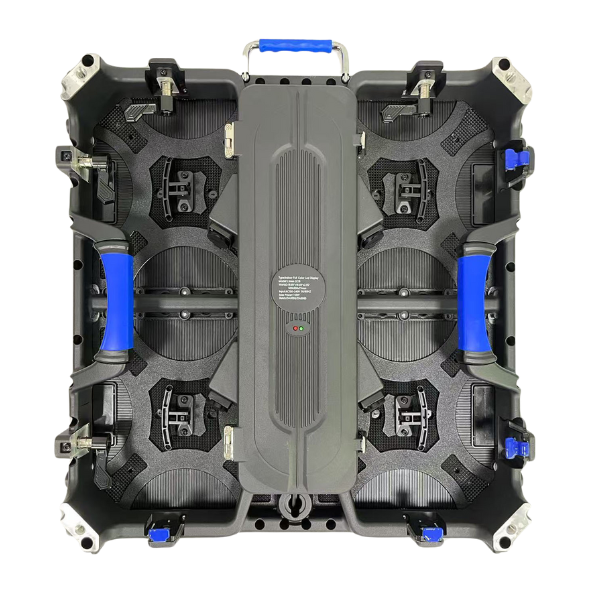
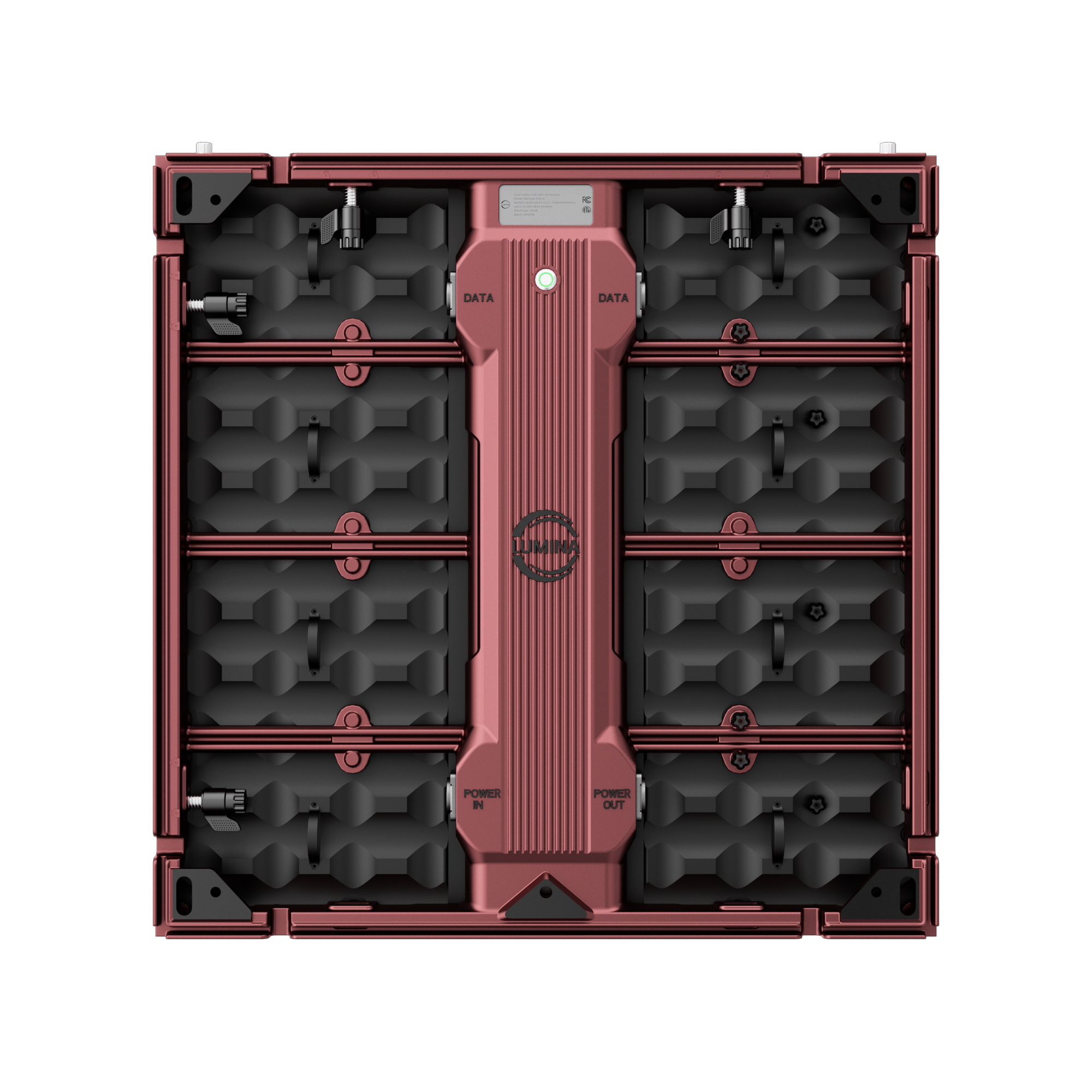
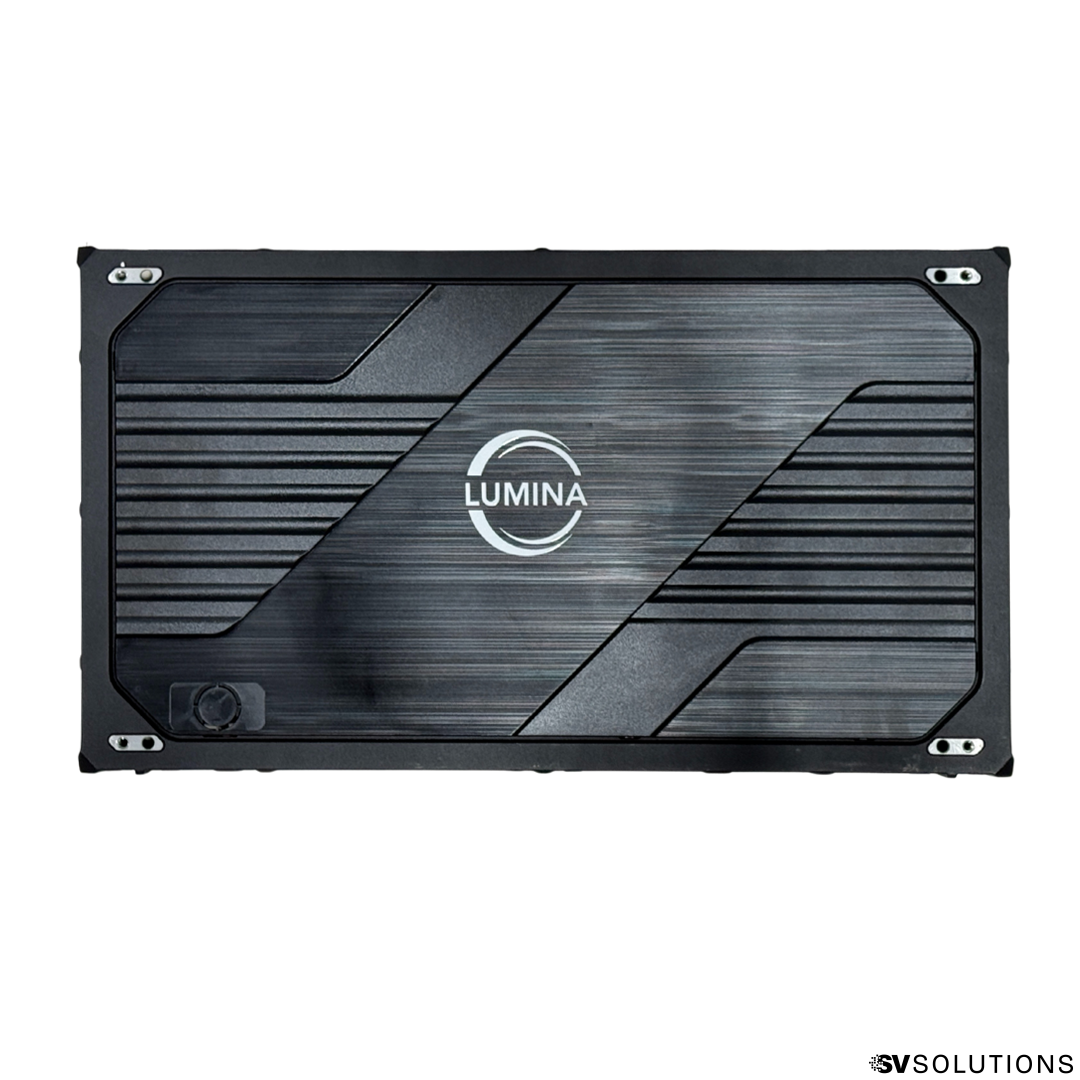
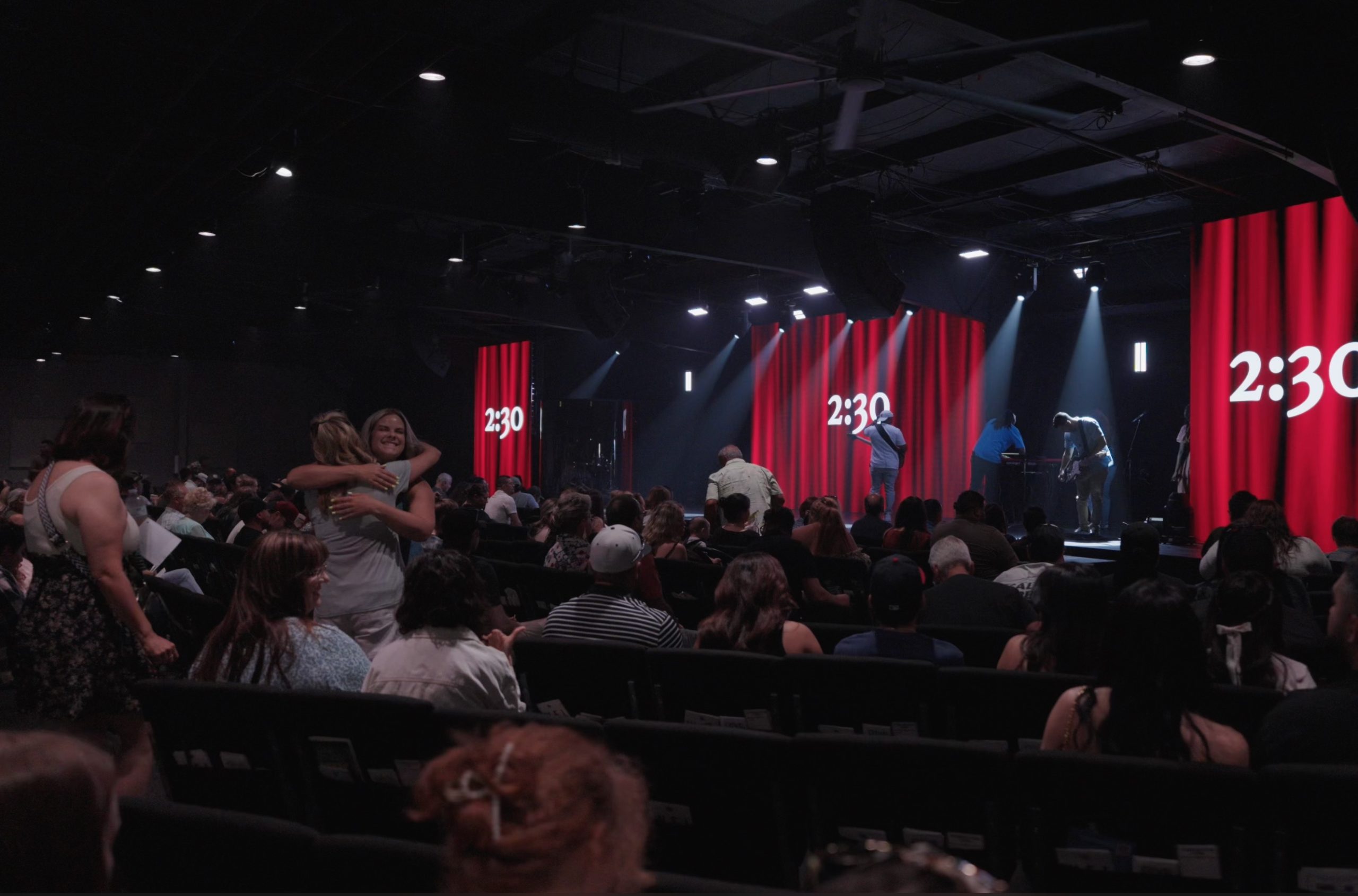
LUMINA build quality in the field
That is one reason why buyers should be cautious when they see a company focusing almost entirely on one headline metric like pixel pitch while saying very little about the internal architecture of the screen.
What is inside the screen matters just as much as the screen itself
LED screens can share the same pixel pitch and still be built around very different levels of internal quality, engineering, and image-processing capability.
This is why buyers should think beyond the front-facing spec sheet and look more carefully at the internal architecture behind the display.

Why SV Solutions focuses on performance, not just price
At SV Solutions, we are not trying to compete by choosing the lowest-end control system or the cheapest internal components we can find.
That is not our philosophy.
We focus on overall display performance. That means we care about the full chain:
- the control ecosystem
- the receiving card strategy
- the calibration path
- the quality of the internal components
- the stability and consistency of the final image
We are known for performance because we believe LED quality should be judged in the real world, not just on a one-line spec sheet.
FAQ
What is the difference between NovaStar COEX and VX?
COEX is NovaStar’s newer control-system ecosystem built around products such as MX, CX, and KU controllers and the VMP software platform, while VX refers to a separate controller family that now includes VX Pro products. COEX is positioned as a broader newer control platform rather than just a single controller label.
What is the difference between Armor and MRV receiving cards?
Armor is a distinct NovaStar receiving-card family, and official Armor materials for supported models like the A10s Pro highlight advanced image-related functions such as Dynamic Booster, Full-Grayscale Calibration, and Image Booster. MRV belongs to an older receiving-card environment commonly found in many legacy workflows.
Does using an Armor card with an older VX processor unlock the full COEX image advantage?
Not necessarily. Official NovaStar materials indicate that some advanced Armor features require connection to a COEX controller, which means compatibility alone is not the same as unlocking the full system-level benefit.
What changed in Coex VMP 1.5.0?
NovaStar’s VMP 1.5.0 materials indicate improvements such as optimized 7-color multi-batch adjustment, stronger calibration coefficient management, better monitoring and diagnostics, and improved project and screen group workflows.
Why is pixel pitch not enough to judge LED quality?
Because pixel pitch only describes the spacing between LEDs. It does not tell you the quality of the control system, receiving cards, calibration capabilities, driver strategy, power design, internal components, or the overall image refinement of the screen.
Why do two LED screens with the same pixel pitch look different?
Because two screens with the same pitch can still differ in receiving cards, processors, calibration workflow, internal electronics, power supplies, PCB design, driver IC behavior, assembly quality, and overall engineering philosophy.
This comparison is not just about what technology is inside the screen. It is also about who is helping you evaluate it.
Plenty of companies can repeat spec-sheet language. Far fewer can explain what actually changes the real visual result, where the tradeoffs are, and why the full control chain matters.
A better LED decision usually starts with a team that understands more than just pixel pitch.
The real value is not just selling a screen. It is helping customers understand the difference between basic paper specs and the deeper control, calibration, and component choices that shape real-world performance.
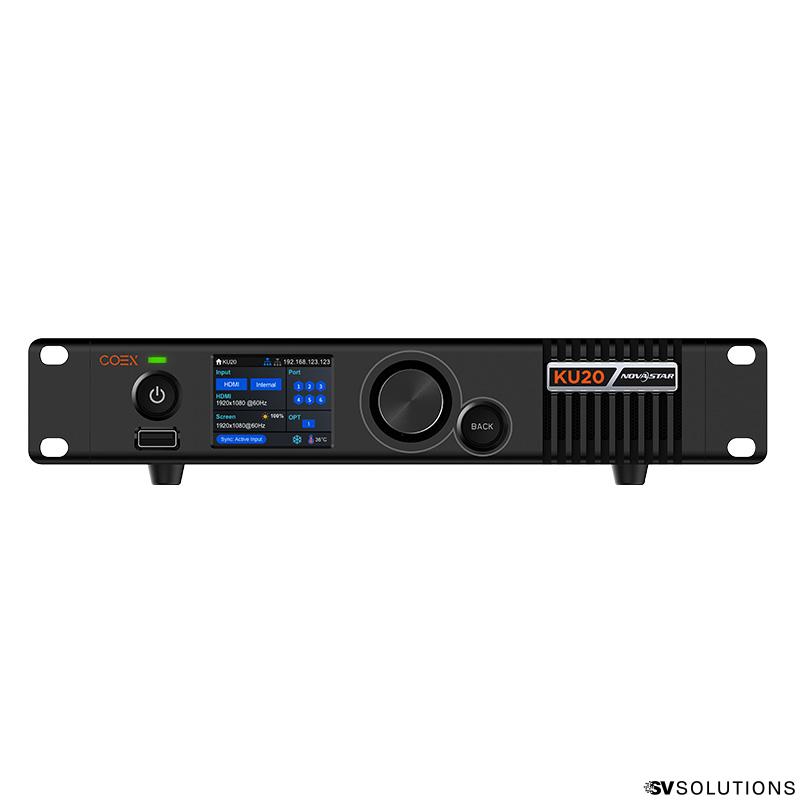
Compare our LED processors
See how different processing paths affect workflow, control flexibility, and overall display performance.
Explore comparison →
Premium LED screen options
Learn more about higher-end LED display options built for stronger visual refinement and premium indoor applications.
View premium options →This kind of comparison matters more when the team behind it is real.

When you are evaluating image quality, it helps to work with people who actually build, test, and install these systems.
One of the clearest differences between generic selling and real guidance is whether the company can actually show the people behind the projects, the installs, and the field execution.
That matters because conversations about COEX, Armor, processing paths, and internal component quality are much more useful when they come from a team that lives inside real projects, not only inside brochures.
This kind of educational comparison becomes stronger when the real customer experience backs it up.
A page like this works better when it does not stop at technical explanation. It becomes more credible when customers also describe the company as responsive, knowledgeable, and helpful throughout the process.
SV Solutions installed a brand new LED screen at our church, and the entire experience was excellent from the very first phone call to the final installation. Everything was handled professionally, and Isaac did an outstanding job with the install. Highly recommend SV Solutions!
— Calvin GaineyI had an amazing experience from the selection process throughout the installation support and configuration by Isaac, quick response to all inquiries and knowledgeable and approachable team!
— Rodrigo VaqueranoIn a category where many companies sound similar on paper, this kind of feedback helps confirm that the support, communication, and technical guidance behind the product are real too.
See more reviewsDo not judge the screen by pixel pitch alone.
If you are comparing LED options and want help understanding the real difference between processor paths, receiving cards, internal component quality, and overall display performance, talk with a team that can guide you through it clearly.
- Tell us what type of screen you are comparing
- Tell us your use case and environment
- Tell us what level of visual performance you need
- Tell us if you want a more premium control and calibration path
Talk with SV Solutions about a display path that performs better in the real world, not just on paper.
Talk to an Expert