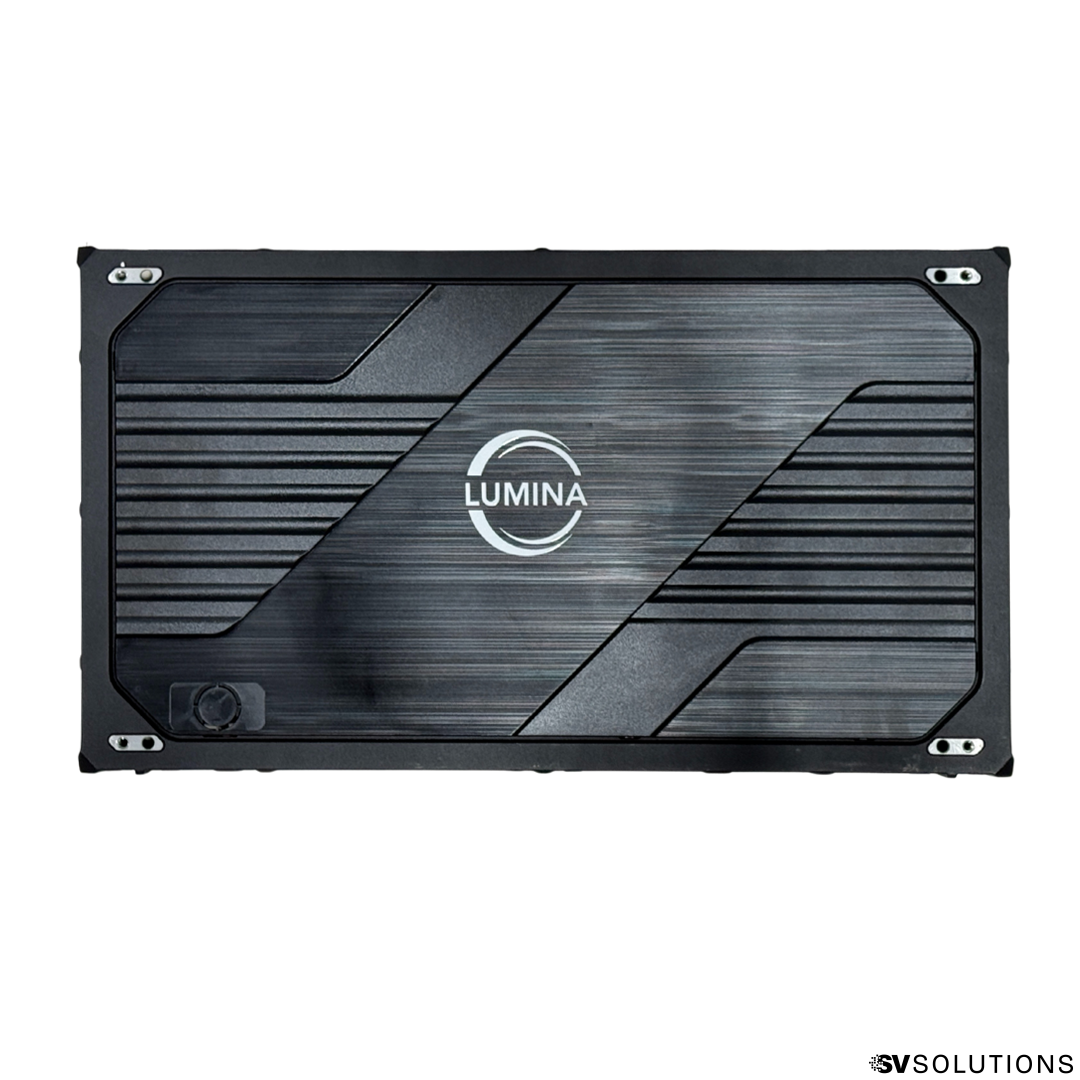
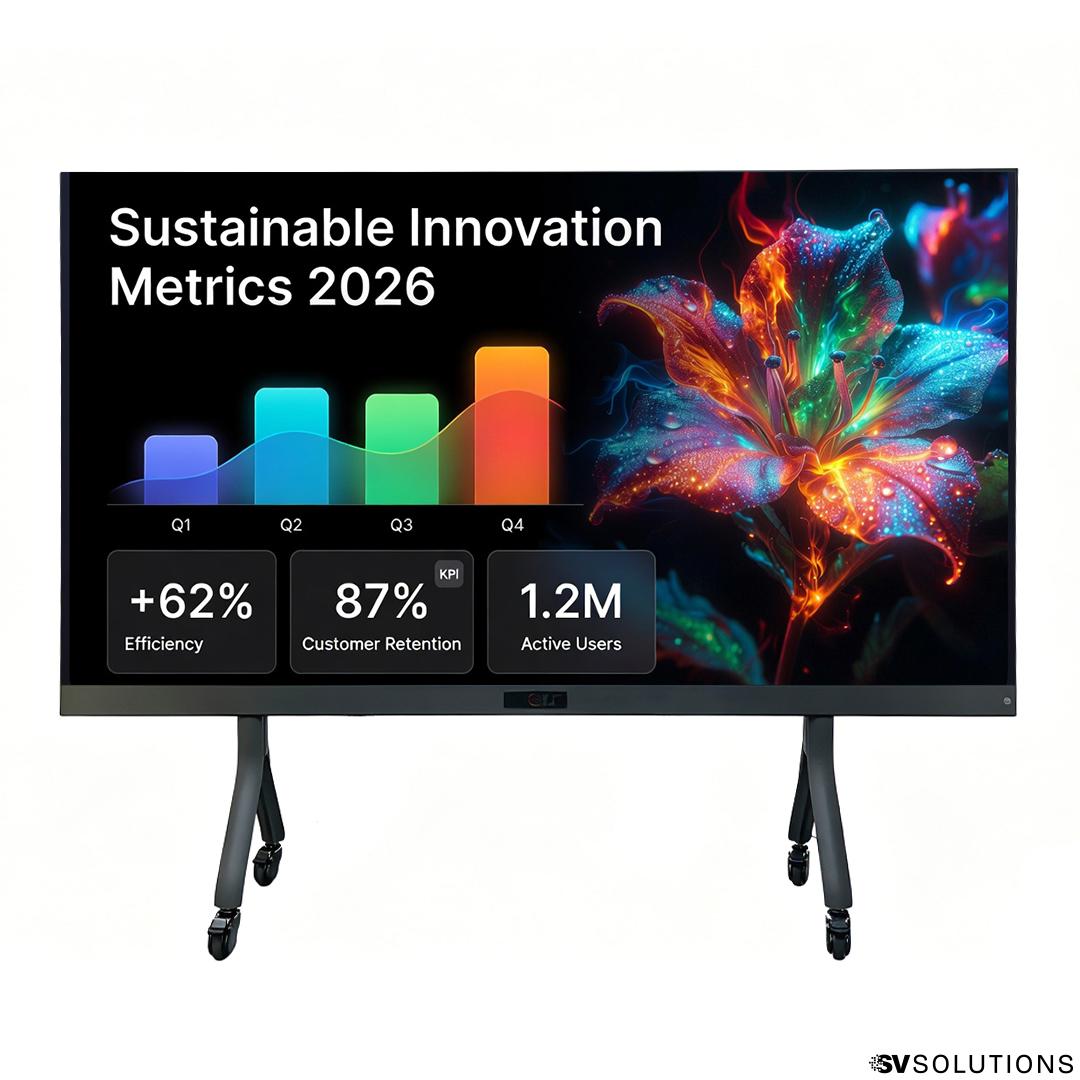
-
Need Help?

Need Help?
Contact your Sales Engineer

LED Walls for Schools: Complete Buyer’s Guide

K-12 & Higher Education Buyer's Guide
LED Walls for Schools: Complete Buyer's Guide

An LED wall in a school is not the same project as an LED wall in a corporate lobby or a sanctuary. Schools have multiple venues that all want a screen: the auditorium, the gymnasium, the cafeteria, the lobby, the classroom, the science lab, the library. They have specific funding paths (bonds, ESSER, state grants, capital improvement plans). And they have an audience — students and staff — that interacts with the screen at much closer distances than a typical event audience does.
This guide is built from real K-12 and higher-education installations and exists to help superintendents, AV directors, principals, facilities managers, and tech coordinators make the right call the first time. We cover venue sizing, brightness, indoor vs outdoor, interactive (touch) displays for classrooms, the software stack, installation, school-specific financing, and the mistakes other districts make when buying their first LED wall.
We are SV Solutions, a nationwide LED video wall integrator headquartered in Houston with installs across U.S. schools and universities. Where the right answer for your venue is not a product we sell, we will say so.
Foundation
Why schools are replacing projectors with LED walls
For decades, the default visual technology in school auditoriums, gymnasiums, and large classrooms was projection. Projectors are familiar, the up-front cost is lower than LED, and most school tech teams have used one. But the calculus has shifted, and most new builds and major renovations now spec LED. Here is why.
- Brightness in lit rooms. A projector competes with bright overhead fluorescent lighting in a gymnasium or classroom and loses. A 600–800 NIT LED wall stays vibrant under full school lighting — no need to dim the room, no need to close blinds, no need to schedule presentations around natural light.
- No bulb cycle, no projector replacements. Projector bulbs cost $200–$600 to replace and need replacement every 2,000–5,000 hours of use. A typical school auditorium projector runs through 2–3 bulb cycles per year. LED has no consumables; total operating cost over five years is usually lower despite the higher upfront price.
- Daytime use. Projection requires room darkening, which limits when it can be used. LED works under full lights, opening up daytime announcements, parent meetings, performances, and assemblies without disrupting the schedule.
- Recording and livestream quality. School performances, sports, and graduations are routinely livestreamed. Projection introduces hot-spotting, screen wash-out, and rainbow effect on camera; LED renders cleanly for cameras and in the room.
- Decade+ lifespan. A quality LED install with tier-1 receiving cards lasts 100,000+ hours — roughly 10–15 years of normal school use. Individual modules can be replaced without dismounting the wall.
- Multi-purpose use. A gymnasium LED wall doubles as a graduation backdrop, an assembly screen, a pep rally video wall, a basketball game scoreboard, and a parent-night display. Projection limits the wall to a single function.
Watch how LED transforms a school auditorium
This install at Meadows Arts and Technology Elementary School has reached over 120,000 viewers on YouTube — a quick visual tour of what an LED wall on a school stage actually looks like in production.
Reference
Venue sizing: matching pixel pitch to school spaces
The single most important spec for a school LED wall is pixel pitch — the distance in millimeters between LED pixels. Smaller pitch = finer detail and closer viewing distance. The rule of thumb: minimum comfortable viewing distance in feet is roughly equal to pixel pitch in millimeters.
For schools, the right pitch depends on the venue and where the closest student or audience member sits. Classrooms and science labs have viewers within 5–15 feet of the screen and need fine pitch. Gymnasiums and auditoriums have audiences 20–60 feet back and tolerate larger pitch. Outdoor scoreboards and stadium screens use the largest pitch at the longest distances.
| School venue | Closest viewing distance | Recommended pitch | Typical LUMINA series |
|---|---|---|---|
| Classroom / science lab | 5–10 ft | P1.5 – P2.0 | Lumina 500 P1.5 or Nanolite P1.5 |
| Library / interactive lobby | 3–8 ft (touchable) | P0.78 (all-in-one) | Lumina All-in-One MicroLED |
| Lecture hall (50–200 seats) | 10–20 ft | P2.5 – P2.6 | Lumina 960 P2.5 or 500 P2.6 |
| Auditorium / theater (200–1,000 seats) | 15–35 ft | P2.6 – P3.9 | Lumina 500 P2.6 or Nanolite P2.6 |
| Gymnasium (basketball, assembly) | 20–50 ft | P3.9 – P4 | Lumina 960 P4 or 500 P3.9 |
| Outdoor stadium / scoreboard | 30+ ft | P4 outdoor | Lumina 960 Outdoor P4 |
The takeaway: Match pitch to the closest viewer, not the average viewer. A common mistake is using a single P4 panel across the whole school. P4 works for the gym but looks pixelated in a classroom or library where students sit 6 feet away. Spec by room, not by district default.
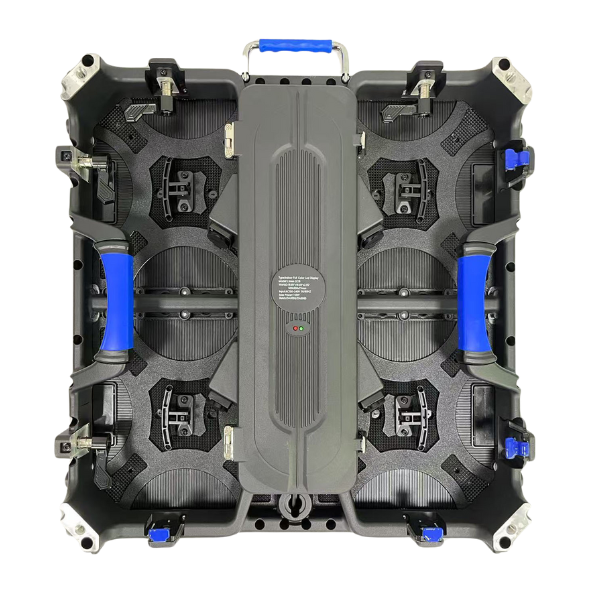
For the most common K-12 indoor venues, browse the Lumina 500 bundles — the multi-pitch indoor workhorse used for classrooms (P1.5), lecture halls and small auditoriums (P2.6), and gymnasium back walls (P3.9), all with the same panel family for simpler district standardization, training, and spare parts.
Reference
Brightness: NITS for gyms, classrooms, and stadium
Schools have wildly different lighting conditions across venues. A gym with full overhead fluorescents needs much more brightness than a controlled-light auditorium. An outdoor scoreboard needs 10× the brightness of any indoor panel.
| School venue | Recommended NITS | Recommended LUMINA series |
|---|---|---|
| Classroom / lab (controlled lighting) | 600 NITS | Lumina 960 or Lumina 500 |
| Auditorium with stage lighting | 600–800 NITS | Lumina 500 or Nanolite |
| Gymnasium (full overhead fluorescents) | 800–1,000 NITS | Lumina Nanolite |
| Lobby with skylights or glass walls | 1,000+ NITS (adjustable) | Lumina All-in-One MicroLED |
| Outdoor scoreboard / stadium screen | 6,000 NITS | Lumina 960 Outdoor |
One mistake we see often: a district specs a 600-NIT panel for the gym based on auditorium pricing, then discovers on opening day that the screen looks dim under the gym's overhead fluorescents. Gyms need 800–1,000 NITS minimum. Spec brightness by venue, not by lowest price.
For gymnasium back walls, assembly screens, and venues fighting overhead fluorescent lighting, browse the Lumina 960 bundles — P2.5 to P4 pitch with brightness tuned for the lit-room conditions that defeat lower-tier panels.
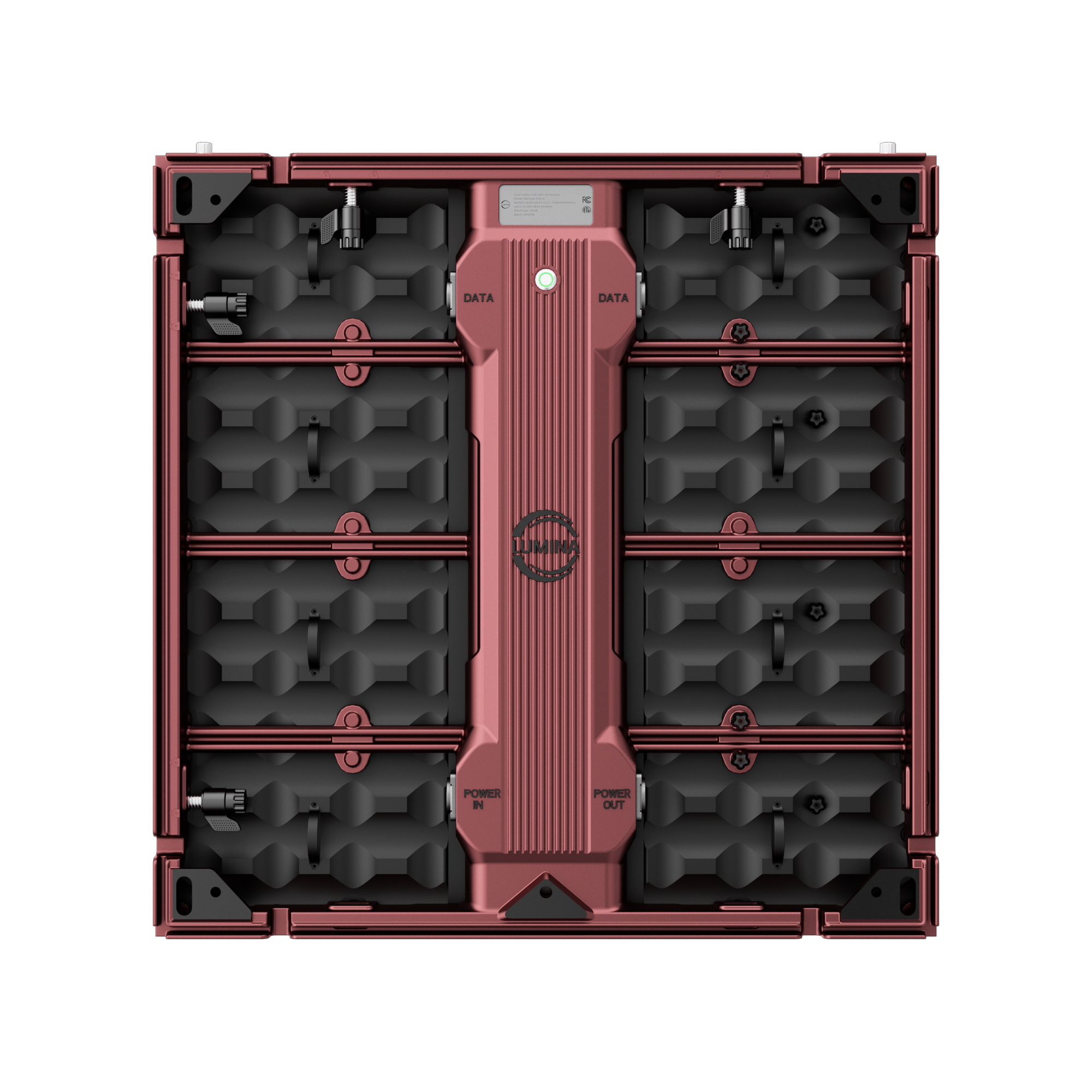
For auditoriums with theatrical stage lighting, lecture halls, and any indoor venue where lighting cannot be controlled, browse the Lumina Nanolite bundles — 800–1,000+ NITS premium brightness engineered for high-contrast indoor performance.
Environment
Indoor vs outdoor: stadium screens and outdoor signage
Most school LED projects are indoor: auditorium, gymnasium, lobby, classrooms, library, cafeteria. For these, any indoor LUMINA panel (600–1,200 NITS, IP30) works correctly.
But outdoor school use cases are growing: football stadium scoreboards, baseball/softball field displays, outdoor pep rally screens, school-entrance signage, drop-off area announcements, and outdoor graduation screens.
Outdoor requires three things indoor panels do not have:
- Weather sealing rated IP65 or higher. Indoor panels rated IP30 will fail in the first rain. IP65 means dust-tight and protected against water jets from any direction — survives permanent outdoor exposure.
- High brightness (6,000+ NITS). Direct sunlight on the screen surface is approximately 100× brighter than a typical gym. Outdoor panels are engineered with much higher per-pixel brightness to remain readable under sun — this is the difference between a useable Friday-night football scoreboard and an expensive blank rectangle.
- Wide temperature tolerance. Outdoor panels are rated for −20°C to 70°C operating range, covering both Texas summer heat and northern-state winter cold.
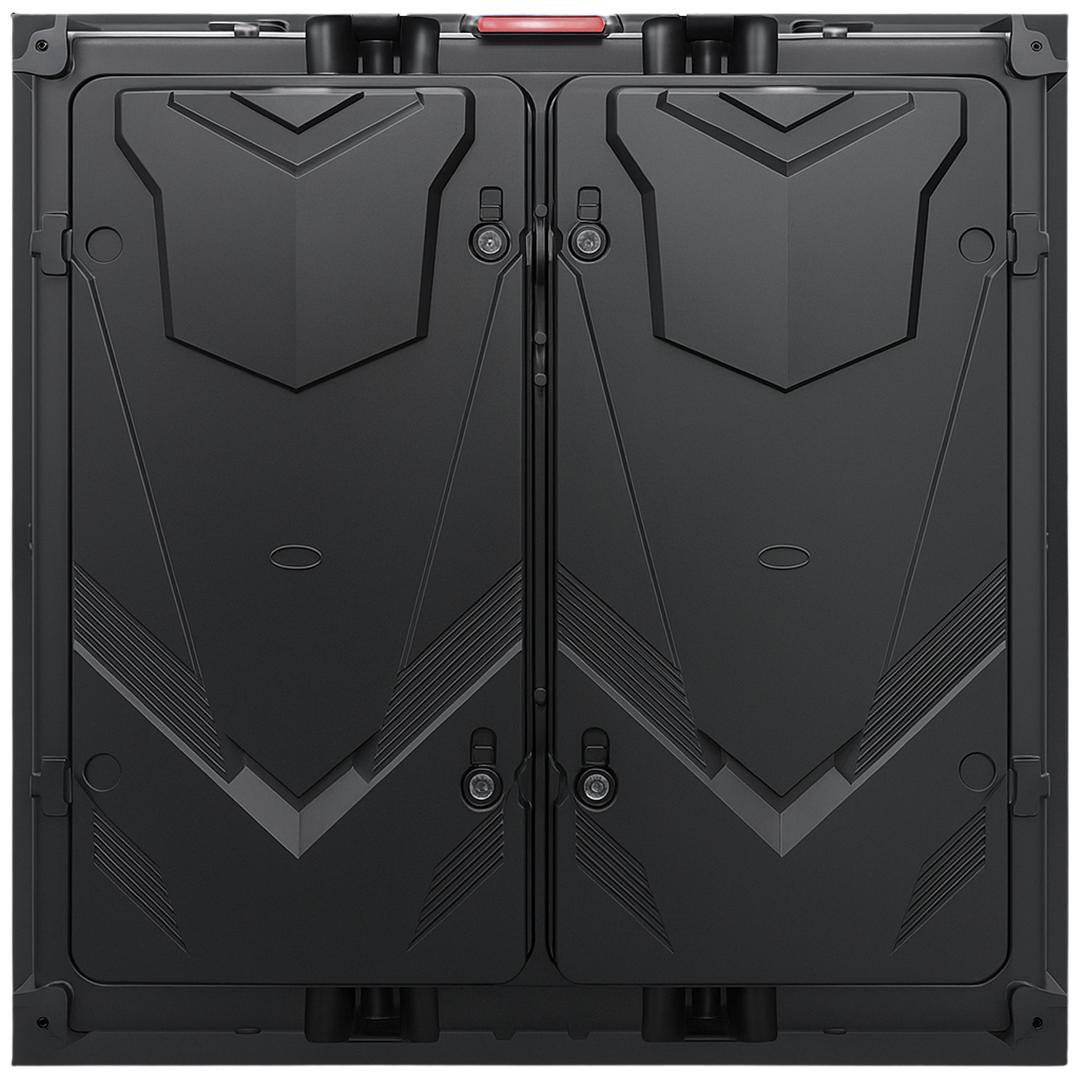
Our Lumina 960 Outdoor (P4 pitch, 6,000 NITS, IP65) is built for these applications. For mounted exterior signage and scoreboards, both front-service and back-service maintenance are supported, which matters because rear access on a permanently mounted outdoor scoreboard is often impossible.
Browse Lumina 960 Outdoor bundles for pre-configured scoreboard, drop-off marquee, and stadium-screen packages — P4 pitch, 6,000 NITS, IP65 weather sealing, ready for school exterior use.
Touchable LED
Interactive displays for classrooms, labs, and libraries
A growing school use case — and the one most districts underspec the first time — is the interactive touchable LED. This is not a regular LED wall; it is a different product class engineered to be touched directly by students, faculty, and visitors without damaging the LED surface.
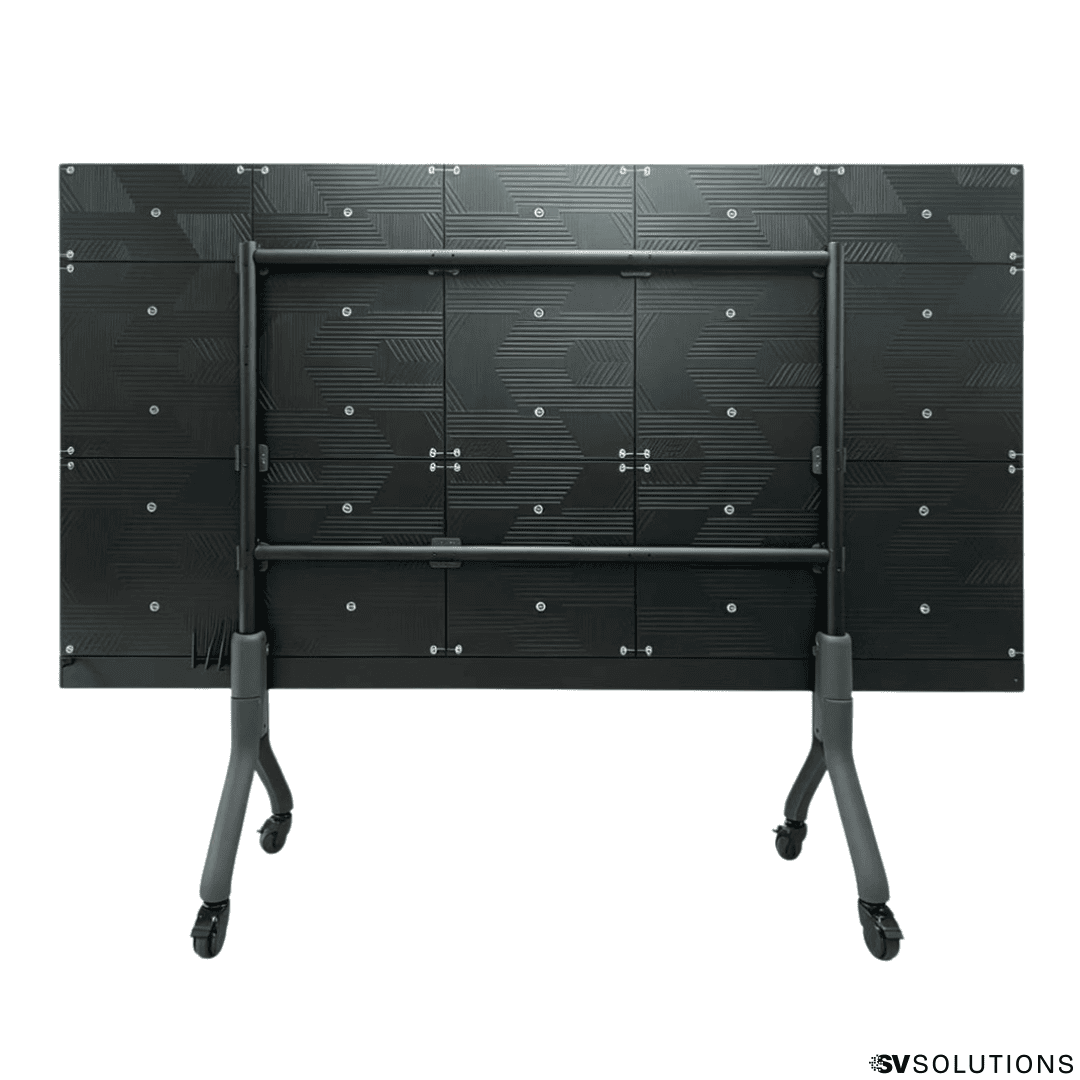
Our Lumina All-in-One MicroLED is built specifically for this use case. It uses a 0.78mm ultra-fine pitch with a GOB (Glue-on-Board) protective coating over the LED surface, IP65 rated for splash and touch resistance, adjustable 600–1,200 NITS brightness, and integrated speakers and remote control. The result is a screen that students can touch, tap, and interact with directly — it works like a giant tablet built into the wall.
Where the All-in-One fits in a school:
- Classrooms and science labs. Direct touch interaction for whiteboard-style teaching, science simulations, math manipulatives, language labs, and student presentations — without the calibration headaches of traditional smartboards.
- Library and media center. Touchable wayfinding, catalog search, digital signage, and collaborative student workstations on a single high-quality display.
- Lobby and entrance. Interactive school history, achievement walls, athletics directory, and visitor wayfinding — all on a single display that handles direct touch from students and visitors.
- Career and counseling centers. Touchable college search, scholarship resources, and career-pathway information that students engage with directly.
- Maker spaces and STEM labs. Project displays, 3D modeling, design-thinking exercises — activities that benefit from a large touchable surface students can gather around.
Browse the Lumina All-in-One MicroLED bundles — the 136" and 162" models ship as complete touchable units with built-in speakers, mounting, remote control, and the GOB-coated surface ready for daily K-12 classroom, science lab, and library use.
For the deeper version of when All-in-One is right and when a custom modular wall is the better fit, see our companion article on when to choose a LUMINA All-in-One LED display.
From projector to interactive LED in one install day
A short look at what changes when a school replaces traditional smartboards or projectors with a touchable LED wall — for teachers, for students, and for the way the room itself feels.
Software stack
The software stack behind a school LED wall
A school LED wall needs two layers of software to run correctly: presentation/content software that schools already use (PowerPoint, Google Slides, Canvas, YouTube, Apple TV, district streaming platforms), and LED control software that configures and calibrates the panels themselves. The wall accepts any standard video signal — the question is whether the processor and configuration tools are right.
- COEX VMP — LED control platform (Windows + Mac). NovaStar's Vision Management Platform, the control software for the COEX controller ecosystem. Used by AV staff to configure the wall, manage screen groups for multi-zone use, run calibration, monitor diagnostics, and route content. The right control software makes the difference between a wall that "works" and a wall that looks correct on camera for livestream.
- NovaLCT — LED configuration tool (Windows). NovaStar's LED Configuration Tool used at install time to map cabinets, configure receiving cards, set scan rates, and run gray-scale calibration. Required for the initial setup of any NovaStar-driven wall — your installer uses this; you typically do not need to touch it after launch.
- Standard presentation tools (PowerPoint, Google Slides, Canvas, etc.) just work over HDMI or NDI — no special school-specific software needed for content. The compatibility question is rarely about your slides; it is about whether the processor and receiving cards behind the wall faithfully render what your laptop outputs.
For the deeper version of the LED control conversation (COEX vs older VX, Armor vs MRV receiving cards, why processor quality matters for school livestreams), see our companion article on COEX vs VX.
Build & deploy
Installation: structural, electrical, and what school AV teams often miss
LED wall installation in a school is more complex than mounting a TV. A 12-foot wide gymnasium wall can weigh 400–800 lbs, draws significant continuous power, generates heat, and requires structural anchoring or rigging. Most school tech departments are excellent but should not DIY a wall of this scale.
- Structural and mounting. Wall-mount is most common for fixed-install auditoriums and gyms with a solid back wall. The wall must support the full panel weight plus mounting hardware plus a safety factor. A structural engineer should review before install. Suspended or curved configurations require overhead truss rigging.
- Electrical. LED panels draw 200–500 watts per square meter at full brightness. A typical gym wall draws 3,000–5,000 watts continuous when active — a dedicated 20A or 30A circuit at minimum. Coordinate with the district electrician during the planning phase, not after.
- Network and content delivery. Modern LED processors are network-controlled. Plan for a wired ethernet drop in the AV booth and at the wall location. Wi-Fi-only is not acceptable for live use.
- ADA compliance and clearance. For interactive displays in libraries, hallways, or labs, ensure mount height meets ADA standards and the 3-to-4-foot clearance zone in front of the display does not block pedestrian flow.
- Service access. Specify panels that support front-service maintenance. In a fixed-mount gym or auditorium, rear access may be impossible after install. Front-service means individual modules can be replaced from the audience side without dismounting the wall.
- Install scheduling. Most schools schedule install during summer break, winter break, or spring break — not during class days. Build the install window into the procurement timeline from day one.
Capital planning
Financing: bonds, ESSER, grants, and capital plans
A complete school LED package typically runs $30,000–$200,000 depending on venue type, size, and pitch tier. For most districts and independent schools, this is a capital expense that goes through one of several established funding paths.
The most common funding paths for school LED projects:
- District bonds. Capital improvement bonds passed at the district or county level are the largest funding source for school technology and facilities. LED walls in auditoriums, gymnasiums, and STEM labs fit cleanly into bond-funded build categories like "instructional technology" or "facility modernization."
- ESSER and remaining federal recovery funds. Some districts still have ESSER III balances available for student-facing technology, learning recovery, and facility improvements that support instruction. Check with your district finance office on deadlines and eligibility for technology purchases.
- State technology grants. Many states offer dedicated K-12 technology grants for instructional displays, STEM equipment, and interactive learning. Eligibility varies by state — we can help identify which grants typically fund LED display purchases.
- Title programs. Title I, Title IV, and other federal program funds can support instructional technology in qualifying schools when the LED wall is documented as supporting student instruction or assessment.
- Capital improvement plan (CIP). Multi-year CIP budgets cover facility-grade installs like auditorium and gym upgrades. LED walls bundle into broader auditorium or athletic facility renovations.
- Booster and PTA fundraising. For athletics scoreboards and gym video walls, booster clubs and PTAs frequently fund or co-fund the project.
- Lease-to-own. For schools that prefer operating-expense treatment, lease structures spread the cost over 36–60 months with a buyout at term end — sometimes easier to approve than a one-time capital request.
Whatever path your district chooses, involve the vendor on financing during spec — not after. A vendor who only quotes equipment but cannot help with bond timing, grant documentation, or capital-cycle alignment is not a full partner for a project of this size. See our financing page for the credit application path.
District scale
Multi-building and district-wide considerations
For districts deploying LED across multiple buildings — or universities deploying across multiple lecture halls and labs — LED has additional considerations beyond single-room installs.
- Standardize on panel families across the district. If every school's auditorium runs a different panel brand and pitch, district AV support becomes a nightmare. Pick 2–3 LUMINA series (one indoor mid-range, one premium, one outdoor) and standardize district-wide.
- Coordinate spec across schools, not site-by-site. Brand colors, image style, and content templates should look identical across campuses. Same panel family + matched processor configuration produces consistent results.
- Centralize control software training. Train one district AV lead on COEX VMP and NovaLCT. That person becomes the internal expert for all school sites instead of every school re-learning the same software.
- Plan video distribution from day one. If the district wants to push a single message (graduation announcement, safety alert, board update) to every school's lobby display, the network and content-routing architecture has to be planned at the district level, not retrofitted later.
- Centralized spare parts inventory. Stocking spare LED modules and receiving cards at the district level (instead of each school) cuts replacement time from weeks to hours when something fails.
Avoid these pitfalls
Common mistakes schools make when buying LED walls
Most school LED projects we are called in to fix share the same handful of decision errors. Knowing these in advance lets you avoid them.
- Specifying for one venue and trying to use it everywhere. Auditorium pitch, gym pitch, classroom pitch, and outdoor pitch are all different. A district default spec applied across all venues guarantees wrong pitch in 2–3 of them.
- Underestimating brightness for gyms. 600 NITS works in a controlled auditorium but fails under gymnasium overhead fluorescents. If the venue has full overhead lighting that you cannot dim, budget 800–1,000 NITS minimum.
- Skipping interactive consideration for classrooms. Districts often buy modular LED walls for classrooms when an All-in-One touchable display is the correct fit. If students will interact with the screen directly, spec the touchable product class, not a regular wall.
- Buying without district-wide standardization. Each school choosing a different panel family makes ongoing support, spare parts, and training a permanent headache. Decide on a district standard before any individual school orders.
- Not planning for camera capture. School performances, graduations, and games are routinely livestreamed. The wall that looks fine in-person may produce visible scan lines on the broadcast. Spec refresh rate (3,840 Hz+) and processor quality with livestream in mind from day one.
- Skipping processor quality to save budget. Buying a tier-1 panel paired with a bottom-tier processor wastes the panel. The processor is what feeds the panel signal — it is not the place to economize.
- Underestimating mounting and electrical costs. Installation, structural reinforcement, electrical work, and rigging often equal 20–40% of the panel cost. Get a complete quote, not a panel-only quote.
- Not training the AV/tech staff. A beautiful LED wall that no school staff member knows how to operate becomes a static logo display. Include staff training in the contract, not as an afterthought.
- DIY installing what is essentially commercial AV. School maintenance teams should not be responsible for $50,000+ of structural mounting, three-phase electrical, and rigging. Use a professional integrator for install.
Real install
Real school install
A recent SV Solutions school project. It shows how the decision framework on this page plays out in a real K-12 build — and what the finished result looks like for students and staff.

Meadows Arts and Technology Elementary School
Theatrical auditorium with student performances and assemblies. Audience seated 15–50 feet from the stage. Mid-range pitch delivered the visual impact for production-grade student arts programming without overpaying for a finer pitch nobody in the audience would actually see.
View case study →Want to see more SV Solutions projects across other venue types? See all case studies.
In their own words
School testimonials
Direct from the school staff who run the installs. Frank LaGuardia at Meadows Arts and Technology Elementary School (CA) and Victor Tan at Saint Pius X High School (TX).
Vetting
Vendor selection checklist for school LED projects
Most of what goes wrong on a school LED project is vendor-side, not product-side. Use this checklist when evaluating any integrator — including SV Solutions.
- Manufacturer warranty. Minimum 2-year limited warranty on panels covering material and workmanship defects. Ask whether extended protection plans are available for facilities-grade deployments.
- U.S.-based technical support. When the wall goes dark on graduation morning, you need a U.S. business-hours phone line — not an overseas chat ticket. Confirm support channel and response-time commitments.
- Lead time and stock. Ask whether panels ship from U.S. warehouse or factory direct. SV Solutions stocks LUMINA inventory in the U.S., shipping in days rather than the 6–12 weeks of factory-direct.
- Returns and exchange policy. Read the policy before ordering. Custom-configured panel orders are usually non-returnable.
- Spare parts availability. Confirm replacement modules will be available for the lifetime of the install, not just the first year.
- Installation services nationwide. Does the vendor install nationwide, or only locally? Vendors who only sell and outsource install have less control over the outcome.
- School and district financing experience. A vendor who can structure school bond billing, ESSER documentation, or lease-to-own is a more complete partner than one who only takes POs.
- School references you can call. Ask for 3–5 K-12 or higher-ed references in your size range. Call them. Ask about install experience, support quality, and what they would do differently.
- Training included. Confirm staff training on processor and content workflow is included in the quote, not billed separately.
FAQ
How much does an LED wall for a school cost?
A complete school LED package typically runs $30,000–$200,000 depending on venue type, size, pitch, and brightness tier. A classroom touchable display starts around $15,000; an auditorium wall around $50,000–$100,000; a gymnasium scoreboard $80,000–$150,000; an outdoor stadium screen can exceed $250,000.
What pixel pitch is right for a school auditorium?
For a typical school auditorium (200–1,000 seats, audience seated 15–35 feet from the stage), P2.6 or P3.9 is the right pitch — sharp enough for the front rows, cost-effective enough for the full wall. Smaller venues with closer audiences need P2.5 or finer; larger gymnasiums need P3.9 or P4.
Can our district fund an LED wall through bonds or ESSER?
Yes. District capital improvement bonds are the largest funding source for school LED installs and easily cover auditorium, gymnasium, and lab walls. Some districts still have ESSER III balances available for instructional technology — check with your district finance office on remaining balances and deadlines. State technology grants and Title program funds also routinely cover LED purchases for qualifying schools.
Are touchable LED walls realistic for classrooms?
Yes — if you spec the right product class. Our Lumina All-in-One MicroLED is engineered specifically for touch interaction, with a GOB-coated touchable surface, IP65 rating, integrated speakers, and remote control. It works like a giant tablet built into the wall, suitable for classroom whiteboard use, science labs, libraries, and interactive lobbies. A regular LED wall is NOT touchable — do not try to use one as a touchscreen.
Will the LED wall work with PowerPoint, Google Slides, Canvas, and YouTube?
Yes. Every modern presentation tool, learning platform, and video service outputs standard video signals (HDMI, DisplayPort, NDI) that any quality LED processor accepts. The compatibility question for schools is rarely your slides; it is whether the processor and receiving cards faithfully render the signal on camera for livestream and recording.
Can the same LED wall work for indoor auditorium and outdoor scoreboard?
No. Indoor panels (IP30, 600–1,200 NITS) will fail in outdoor weather and are not bright enough for sun. Outdoor panels (IP65, 6,000+ NITS) cost more per square foot and are unnecessary indoors. Most schools that need both run separate displays sized for each environment.
How long does a school LED install take?
Site survey and engineering: 1–2 weeks. Equipment lead time: 1–4 weeks (faster with U.S.-stocked inventory). Physical install: 2–5 days depending on venue size, mounting complexity, and electrical work. Most schools schedule install during summer break, winter break, or spring break.
How long do school LED walls last?
A quality LED panel with tier-1 receiving cards and a quality processor is rated for 100,000+ hours of operation — roughly 10–15 years of typical school use. Individual modules occasionally fail and can be replaced without dismounting the wall.
Do we need to train our AV staff to run the LED wall?
Yes — and good vendors include training in the install. Day-to-day operation (loading content, switching inputs, basic troubleshooting) is straightforward and can be handled by your existing AV or tech staff after a few hours of training. Deeper configuration tasks (calibration, processor changes) can be handled by your installer or via remote support.
What is the difference between a regular LED wall and an All-in-One display?
A regular LED wall is a configurable modular system — panels combine to form any size or shape. The Lumina All-in-One is a single polished unit with built-in speakers, simplified mounting, touchable GOB-coated surface, and IP65 rating. Walls are right for auditoriums, gymnasiums, and stadium scoreboards; All-in-Ones are right for classrooms, labs, libraries, and interactive lobbies where touch interaction matters. See our All-in-One guide for more.
Ready to plan the right LED wall for your school or district?
Every school project is different. The right next step is a short call with a school-experienced specialist to review your venues, your funding path, your install timing around the school calendar, and any open questions this guide raised.
- Tell us your venue type: auditorium, gym, classroom, lobby, scoreboard
- Tell us your closest viewing distance and lighting conditions
- Tell us your funding path: bond, ESSER, grant, capital plan, lease
- Tell us your install window: summer, winter, spring break
Talk with SV Solutions and we'll help you spec, scope, and finance LED walls built for the way your students learn and your school operates.
Talk to an Expert